Q1 Is Done. Do You Know What Your IT Looked Like?
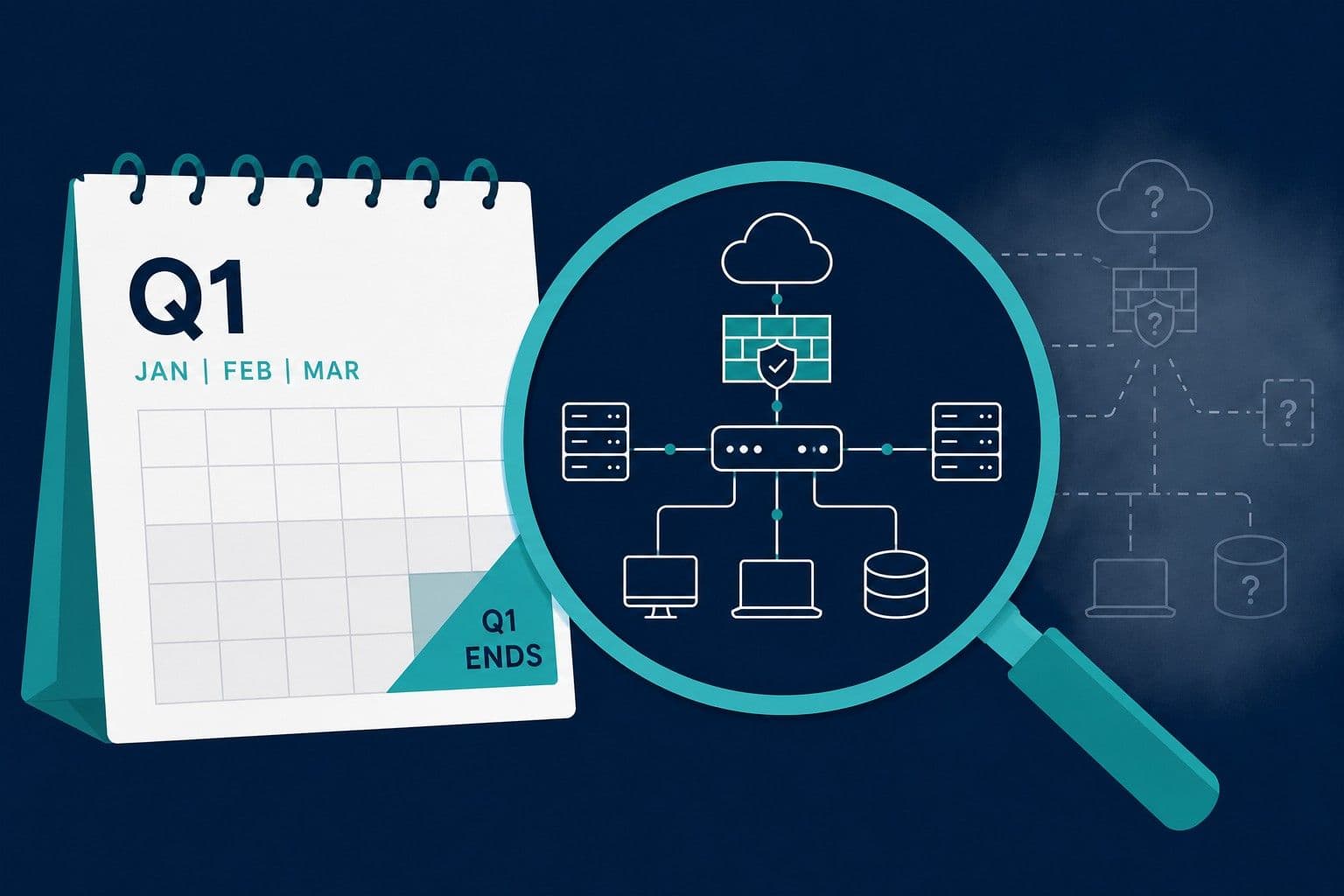
Q1 Is Done. Do You Know What Your IT Looked Like?
Tax season just ended. Q1 is done. You're shifting into Q2 planning mode.
Here's a question most business owners don't think to ask right now: if something went wrong with your IT tomorrow — a breach, an outage, a vendor dispute — could you prove what your setup looked like before it happened?
Not what it looks like now. What it looked like before.
That distinction matters more than most people realize. Insurance claims, due diligence conversations, and incident investigations all ask the same question: what was in place, and when did it change? Most businesses can't answer that. Spring is the right time to fix it — before Q2 gets busy, before summer thins out your staff, and while Q1 is still fresh enough to learn from.
Start With What Q1 Actually Taught You
Before you look forward, look back. Q1 generates lessons — most businesses just don't capture them.
Ask yourself:
- Did anything break? (Downtime, email issues, a certificate that expired without warning)
- Did anyone ask you an IT question you couldn't answer — insurance, an accountant, a new vendor?
- Did a contractor or employee leave, and do you know what access they still have?
- Was there anything you had to reconstruct from memory that should have been documented?
Write it down. One short paragraph. This is the most valuable 10 minutes of your spring IT review — not because it fixes anything, but because it tells you exactly where your gaps are.
The Documentation Gap Is the Real Problem
Most spring IT checklists tell you to update your software, check your backups, and review your subscriptions. Those things matter. But they're maintenance, not protection.
The deeper issue is this: most businesses have no dated record of what their IT setup actually looked like at any given point in time.
That gap is invisible until something happens. Then it becomes expensive.
- Your cyber insurance claim asks when a specific configuration changed. You don't know.
- A vendor dispute requires you to show what your email setup looked like three months ago. You can't.
- An acquisition due diligence process asks for documented IT infrastructure. You're starting from scratch.
Spring is a natural moment to create that record — while Q1 is still recent, while you're already in review mode, and before the next thing happens that makes you wish you had it.
The Spring IT Review: What Actually Matters
1. Check What Expires in Q2
Domains, SSL certificates, and software subscriptions that expire quietly are the most common source of avoidable IT incidents. Pull the list now.
Check:
- Domain expiration date and whether auto-renew is active
- SSL certificate expiration and renewal method
- Any hosting, software, or service subscriptions renewing April–June
Set a calendar reminder 30 days before anything critical expires. The reminder takes two minutes. Not having it can cost significantly more.
2. Audit Who Has Access to What
Q1 often brings staff changes — new hires, departures, contractors who finished their work. Every one of those transitions is a potential access gap.
Review:
- Are there accounts belonging to people who no longer work with you?
- Do contractors have access to systems they no longer need?
- Who has admin access — and does each person actually need it?
Minimum access is a security principle. It's also just good hygiene. Spring is the right time to clean it up.
3. Verify Backups Are Actually Working
This deserves its own post (we've written it here), but the short version: having backups and having tested backups are different things. Most businesses have the former and assume they have the latter.
Spring task: ask your IT provider when restoration was last tested. If they can't answer quickly, that tells you something.
4. Document Your Setup While It's Fresh
This is the one most business owners skip because it feels like overhead. It's actually the most valuable thing on this list.
Spend one hour writing down:
- Where your domain is registered and when it expires
- Who your hosting provider is and what's on the plan
- What email platform you use and how it's configured
- Where backups are stored and who has access
- Who to call when something breaks
That document — dated, saved somewhere you can find it — is the foundation of every future IT conversation you'll have. Insurance renewals, vendor changes, due diligence, incident response. All of them start with "what did your setup look like?"
Now you'll have an answer.
5. Prepare for Q2–Q3 Insurance Renewals
If your cyber insurance or general business insurance renews in the next six months, the questionnaire is coming. Common questions include:
- Do you have backups? Are they tested?
- Is email security configured? (SPF, DKIM, DMARC)
- Is your SSL certificate current?
- Are software and systems updated?
Spring is the time to get answers — not the week the renewal form arrives. If you can't answer these questions confidently right now, that's the gap to close before Q2 gets busy.
6. Plan for Summer Coverage
Summer brings vacations and reduced staffing. Problems don't stop. Before anyone goes anywhere:
- Make sure critical account access isn't held by a single person
- Document emergency IT contacts
- Test that backup systems are stable
- Ensure nothing critical is scheduled to expire or require attention while key people are out
This takes an hour now. It prevents a crisis in July.
The One-Hour Version
If you're short on time, prioritize these five things:
- Check domain and SSL expiration — when do they expire, is auto-renew on? (5 min)
- Verify a recent backup exists — can you see the file? When was it created? (10 min)
- Review who has access — anyone who left in Q1 still active? (15 min)
- Document your core setup — registrar, host, email platform, backup location (25 min)
- Note one Q1 lesson — what would you have wanted to know three months ago? (5 min)
That's it. You now have more documented about your IT setup than the majority of small businesses.
Questions to Ask Your IT Provider This Spring
Good IT providers welcome proactive clients. Use spring as an opening:
- What issues did you notice in Q1?
- Are there any upcoming renewals or expirations we should know about?
- When did you last test backup restoration?
- Is there anything we should be documenting that we're not?
- Are there any security gaps we haven't addressed?
The answers to these questions — and whether your provider can answer them clearly — tell you a lot about the state of your setup.
Bottom Line
Spring IT cleanup isn't really about maintenance. It's about making sure you have a clear, dated picture of what your setup looks like before Q2 brings new complexity, before summer reduces your ability to respond, and before the next event that makes you wish you'd paid attention.
The businesses that handle IT incidents, insurance renewals, and vendor transitions smoothly aren't necessarily the ones with the best IT. They're the ones with the best records.
ExplainMyIT creates a dated, plain-English snapshot of your IT setup — the kind of record that answers "what did this look like before?" without requiring your IT provider to reconstruct it from memory.
Ready to see your IT setup?
🎯 Run your free snapshot → — See your current configuration in 60 seconds
📅 Want this monthly with full history? See Basic subscription → ($15/month)
Related reading:
Alex Parker
IT Advisor